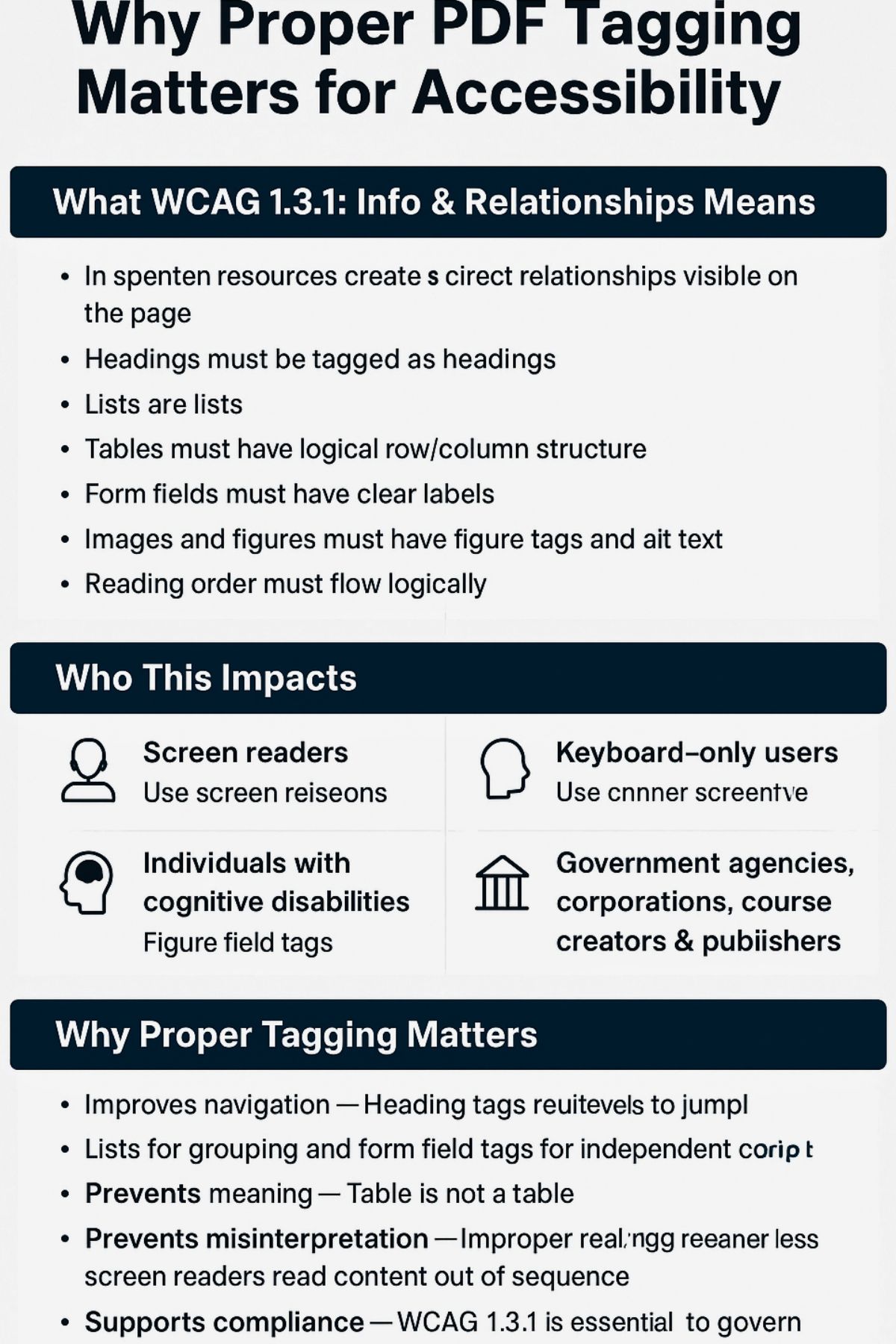
PDFs, guides, workbooks, and training materials often focus on visual layout, but appearance alone doesn’t make a document accessible. For people who use assistive technology such as screen readers (e.g., JAWS) or keyboard navigation, understanding the content of a PDF or other digital document depends on its underlying structure, not its visual appearance.
That structure is created through proper tagging in accordance with WCAG Success Criterion 1.3.1: Info & Relationships. This guideline ensures that headings, lists, tables, images, and form fields are tagged correctly so that assistive technology can understand and present the content accurately.
Without proper tags, a PDF becomes difficult or impossible to navigate for those who are visually impaired and/or who rely on keyboard navigation.
What WCAG 1.3.1 Means
WCAG 1.3.1 ensures that the visual structure of a document is represented programmatically. This includes the following:
- Headings tagged as headings
- Lists tagged as lists
- Tables with proper row/column structure
- Form fields with clear labels
- Images with figure tags and alt text
- A logical reading order
If something “looks” structured but isn’t tagged, assistive technology can’t understand it. Reading order is especially important — even when a page appears visually correct, assistive technology follows the tag order, not the layout.
Who Benefits
- Screen reader users who rely on tags to navigate sections
- Keyboard users who move through content in a predictable order
- Individuals with cognitive disabilities who need a consistent structure
- Organizations required to comply with WCAG, Section 508, or ADA standards
Why Proper Tagging Matters
- Navigation: Headings and lists help users move through content efficiently.
- Clarity: Proper tags ensure meaning is communicated accurately.
- Accuracy: Correct reading order prevents confusion — especially in training materials and forms.
- Compliance: A tagged structure is essential for meeting accessibility requirements.
Ensuring PDF Compliance with 1.3.1
- Use built-in heading, list, and table styles
- Add alt text to meaningful images
- Export PDFs with tagging turned on
- Review structure in Adobe Acrobat Pro
- Test with a screen reader or keyboard
A note for creators: Tools like Canva often export PDFs with missing or incorrect tagging, so these documents usually need remediation to meet accessibility standards.
Automated accessibility checkers are valuable tools for detecting some accessibility barriers, but relying solely on them is a common and potentially costly mistake. Many people mistakenly assume that a “pass” rating from an automated tool means their PDF is fully compliant with standards like the ADA or WCAG, but this is a dangerous misconception.
Examples of Proper Tagging
- Headings: Use actual heading levels, not bold text
- Lists: Use list tools instead of typed hyphens
- Tables: Use table tools instead of manually spaced text
- Forms: Use labeled interactive fields instead of blank lines
Why It Matters in Digital Products
Unstructured PDFs create barriers in:
- Workbooks
- Lesson plans
- Government forms
- eBooks
- Flyers
- Training materials
- Corporate reports
A consistent structure ensures that every user has equal access to the information.
How Thornton Consulting Firm Supports Accessibility
Thornton Consulting Firm provides:
- Full PDF remediation
- Accessibility audits
- Assistive technology testing
- Accessible template setup
- Tagging and reading-order cleanup
- Compliance guidance for WCAG, Section 508, and ADA
Each document is structured for clarity, accuracy, and full accessibility.
Learn More About WCAG 1.3.1
WCAG Success Criterion 1.3.1:
https://www.w3.org/TR/WCAG22/#info-and-relationships
Call to Action
If your organization relies on PDFs or digital documents, partnering with a knowledgeable remediation team can significantly simplify accessibility and compliance. Thornton Consulting Firm provides fully accessible, properly tagged, and professionally remediated PDFs to support your goals.

