We’re living in challenging times, and many people are being forced to rethink everything they once felt secure about, with the unemployment rate high and major corporations reporting record layoffs month after month. Many hardworking, highly skilled Americans are applying to hundreds of jobs without receiving a response.
People who once had stable, respected careers are discovering that the industry they knew no longer exists in its former form. That can be devastating and confusing—but it can also be the start of a new direction.
As a digital accessibility expert and owner of Thornton Consulting Firm, I hear from people all the time:
- How did you start your career in accessibility?
- Are you hiring?
- How can I break into this field?
Who This Article Is For
- Seniors seeking flexible, remote-friendly career paths
- Veterans transitioning into civilian roles
- Small business owners who need to understand digital accessibility
- Anyone curious about the field and the work
- Mid-life career changers
What This Article Is Not
- This article is not a guaranteed path to immediate employment in digital accessibility.
- This article is not a one-size-fits-all career blueprint or step-by-step formula.
- This article is not suggesting you abandon your current skills, but rather build on them in a new way.
- This article is not promising quick money or overnight success, but highlighting a meaningful and growing field.
What Is Digital Accessibility (A11y)
Digital accessibility—often written as A11y (short for Accessibility: A + 11 letters + y)—is the practice of making websites, software, apps, documents, and digital tools usable by everyone, including people with:
- Visual impairments
- Blindness
- Deafness or hearing loss
- Limited mobility or motor challenges
- Cognitive differences
- Temporary disabilities (broken wrist, eye injury, etc.)
- Age-related conditions
A11y ensures that everyone can navigate, read, watch, click, and participate equally in the digital world. It’s a human need, a civil right, and for many industries, a legal requirement.
My Journey Into Digital Accessibility
My path into accessibility began long before I realized it could be a career. As the Lead QA Software Test Project Manager for a federal government agency, accessibility wasn’t optional—every application had to meet Section 508 compliance standards.
During that time, my leadership team asked me to take on an expanded responsibility: ensuring the application I managed testing was fully Section 508 compliant.
Like many consulting roles, this new responsibility came without formal training. I wasn’t an employee—I was a consultant. And if you’ve ever worked as a consultant, you know the unspoken expectation: we’re paying you good money, so figure it out.
I had to quickly get up to speed on WCAG 2.1/AA, Section 508 guidelines, accessibility processes, audit methods, and hands-on testing. I dove into research, learned the standards, and figured out how to identify accessibility issues and communicate them clearly to developers and stakeholders.
For context, Section 508 is a U.S. federal law requiring government websites, software, and electronic content to be accessible to people with disabilities. My role meant learning the standards, testing against them, and ensuring the applications I worked on met these accessibility requirements.
From there, my journey continued:
- I completed countless accessibility trainings, workshops, and webinars
- I learned how to test for accessibility and ensure WCAG 2.1 compliance
- I became a DHS Certified Section 508 Trusted Tester
- I eventually transitioned into full-time accessibility consulting
- I founded Thornton Consulting Firm, which helps organizations build high-quality, inclusive software, apps, and digital products.
Everyday Examples of Why Accessibility Matters
Accessibility isn’t just about technology — it’s about people:
- A blind shopper using a screen reader to buy groceries
- A senior navigating telehealth appointments
- A mother with an injured wrist accessing childcare forms online
- A deaf student watching class videos with captions
- A mobility-impaired user trying to fill out a job application online
When digital products are accessible, people can live, work, socialize, and thrive independently.
The Legal Landscape
Accessibility is supported by several laws and standards, including:
Industries That Need Web Accessibility (A11y)
Nearly every industry needs accessibility professionals, especially those serving the public. High-demand areas include:
- Healthcare
- E-commerce & Retail
- Hospitality & Travel
- Banking & Finance
- Education (K–12 and Higher Ed)
- Government Agencies & Federal Contractors
- Transportation
- Technology & Software Companies
- Small businesses, content creators
If a company serves people, it needs to be accessible.
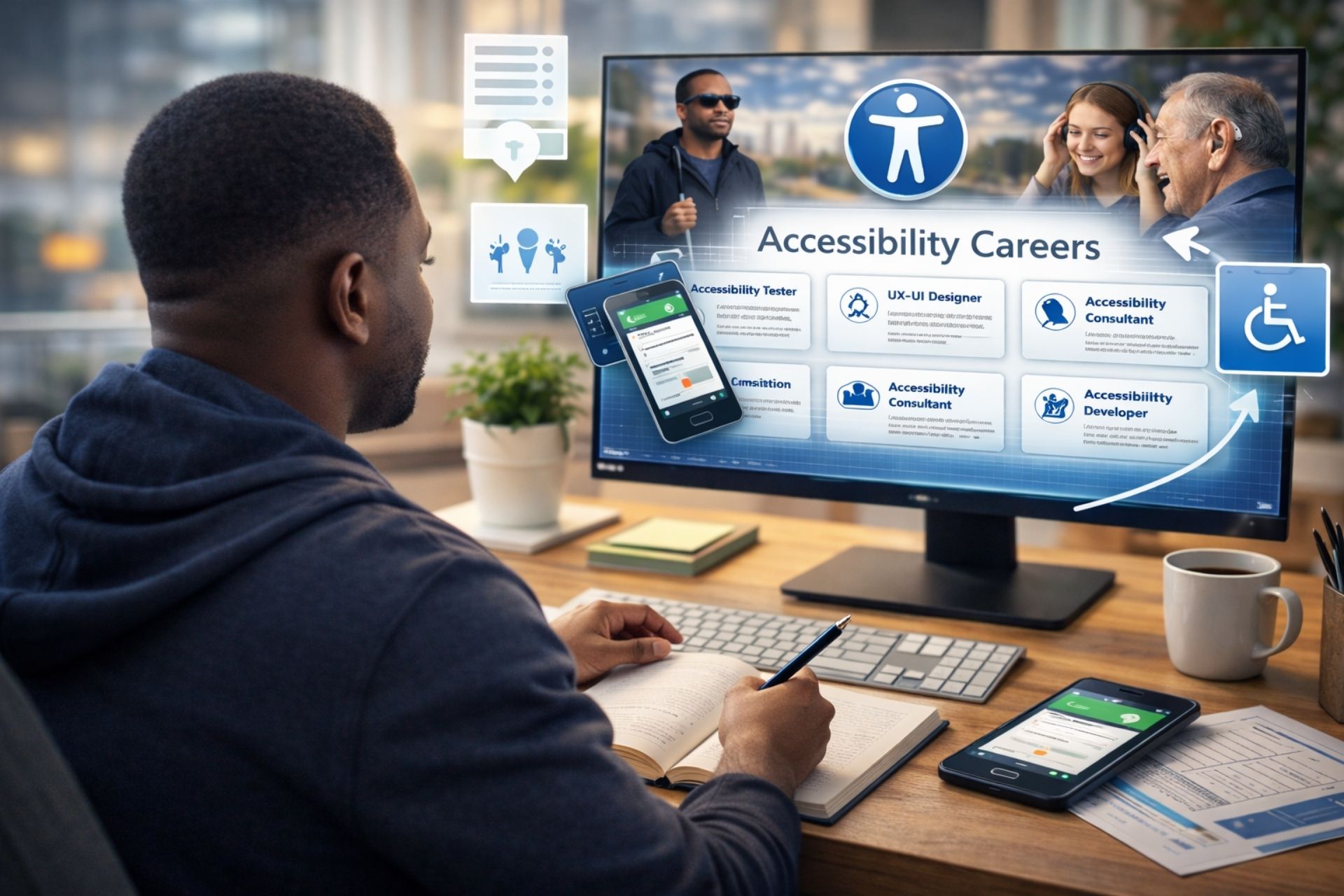
Common Accessibility Roles
Here’s a quick overview of common accessibility careers:
- Accessibility Tester
- UX/UI Accessibility Designer
- Accessibility Developer
- Accessibility Consultant / Coach
Senior-Level Roles Growing in Demand
- Accessibility Program Manager
- Chief Accessibility Officer
Key Skills You Need
- Understanding Section 508 and WCAG accessibility guidelines
- Basic HTML knowledge
- Familiarity with assistive technologies (auditing tools, screen readers, captions, etc.)
- Strong attention to detail
- UX/UI awareness
- Curiosity, empathy, and detail-oriented thinking
- Strong communication and documentation skills
- Willingness to keep learning—accessibility evolves constantly
If you have a background in QA software testing, project management, website development, education, writing, business analysis, or design, those skills can be transferable
How to Start Your Accessibility Career
- Learn the basics through online courses and free intro videos on accessibility, UX, and disability rights
- Start practicing with free tools such as NVDA, WAVE, and Axe to test real websites and documents.
- Attend workshops and training at platforms such as Deque University, LinkedIn Learning, and Microsoft Learn to deepen your skills.
- Volunteer with nonprofits or small businesses to audit and improve their digital content so you gain real-world experience.
- Create a simple accessibility portfolio (using a Canva template) that showcases before-and-after examples, test reports, and small case studies from your practice work.
- Earn a certification (optional but helpful), such as IAAP’s CPACC or WAS, to strengthen your résumé and show your commitment to the field
- Join accessibility communities and follow blogs, webinars, and YouTube channels that share tips, demos, and career stories so you stay inspired and current.
Where to Get Free Experience
48in48.org is a nonprofit that brings volunteers together to build websites for other nonprofits in just 48 hours. You can volunteer remotely and gain real-world experience in accessibility, making it a great way to start a career in digital accessibility while giving back.
You can volunteer as a:
- Accessibility Tester
- Project Manager
- UX/UI Designer
- Content Strategist
- Web Designer
Accessibility Training and Certifications
- Federal Government Free Online Section 508 Training
- Deque University
- IAAP Certifications
With so many skilled Americans seeking work, digital accessibility opens the door to a meaningful career that helps people and strengthens communities.
My hope is that this article gives you clarity, direction, and encouragement to explore this powerful field.
And for businesses reading this…
Thornton Consulting Firm is here to support you
My team provides accessibility audits, testing, consulting, coaching, and remediation support to make your digital products inclusive for all users.
Services We Offer:
- Test your website and digital products for accessibility compliance against WCAG 2.2, ADA, and Section 508 guidelines.
- PDF Remediation
- Consulting & coaching
- Team training
- Long-term accessibility support
- Manual screen reader tests on Windows using NVDA
If you’re ready to explore this field or if your organization needs accessibility services, contact us anytime or call us at 678-252-9086.

