If you create PDFs, training materials, or digital documentation, you may think a link is just a link. But how much do your readers actually know about where your link will take them? Descriptive hyperlinks are essential for accessible content, providing users with clear guidance before they click.
What Are Descriptive Hyperlinks?
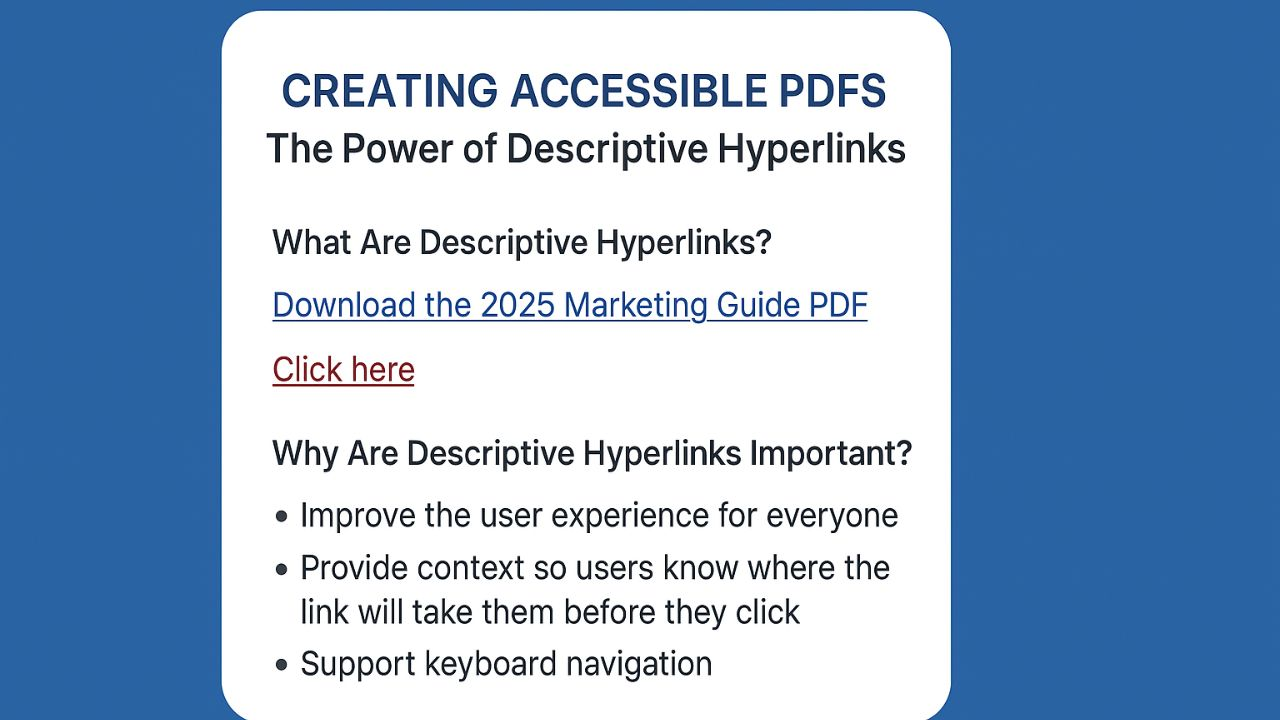
A descriptive hyperlink is a link that clearly explains its destination or action. Instead of using “click here” or “read more,” a descriptive hyperlink gives context, such as:
- “Download the 2025 Marketing Guide PDF” instead of “Click here.”
- “Register for the Annual Nonprofit Webinar” instead of “Learn more”
These small change makes a big difference in accessibility and usability.
Why Are Descriptive Hyperlinks Important?
Descriptive hyperlinks:
- Improve the user experience for everyone, especially users who navigate with assistive technologies like screen readers.
- Provide context so users know where the link will take them before they click.
- Support keyboard navigation—users who tab through links can quickly understand the purpose of each link without guessing.
Clear, descriptive links make content more intuitive, reduce confusion, and ensure everyone can access the information they need.
When Should You Incorporate Hyperlinks?
The best time to add descriptive hyperlinks is before converting your document to PDF. Adding them early ensures your links remain functional and accessible, and it can even save you time and money later.
Fixing hyperlinks after a PDF is created often requires extra software, additional steps, or professional remediation services. By incorporating descriptive links in the source document, you avoid extra work and make your content easier to navigate from the start—beneficial for both your workflow and your audience.
The Hyperlink Principle & Accessibility Standards
According to the Web Content Accessibility Guidelines (WCAG), links should be clear and descriptive to make content accessible to all users. Following these principles helps your content meet accessibility standards and ensures that everyone can access the information they need.
The Takeaway
Adding descriptive hyperlinks may seem like a small detail, but it can make a world of difference in how users navigate your content. Clear links improve accessibility, enhance the user experience, and support engagement for everyone—including those who rely on assistive technology.
If you need assistance with remediating existing PDFs or ensuring your documents have proper hyperlink descriptions, contact us, Thornton Consulting Firm or send us at info@thorntonconsultingfirm.com. We’re here to help make your content accessible for all.

